 Doorlist
Say where you want to go. Doorlist gets you in.
Describe the night you want, or share any event link. Doorlist finds it, fills the form with answers you've given before, and books your spot.
For iPhone, iOS 17 and later. In TestFlight now; App Store soon.
Three ways in. One tap to book.
Wherever an event lives, Doorlist treats it the same: read the form, fill what it knows, ask only what's new.
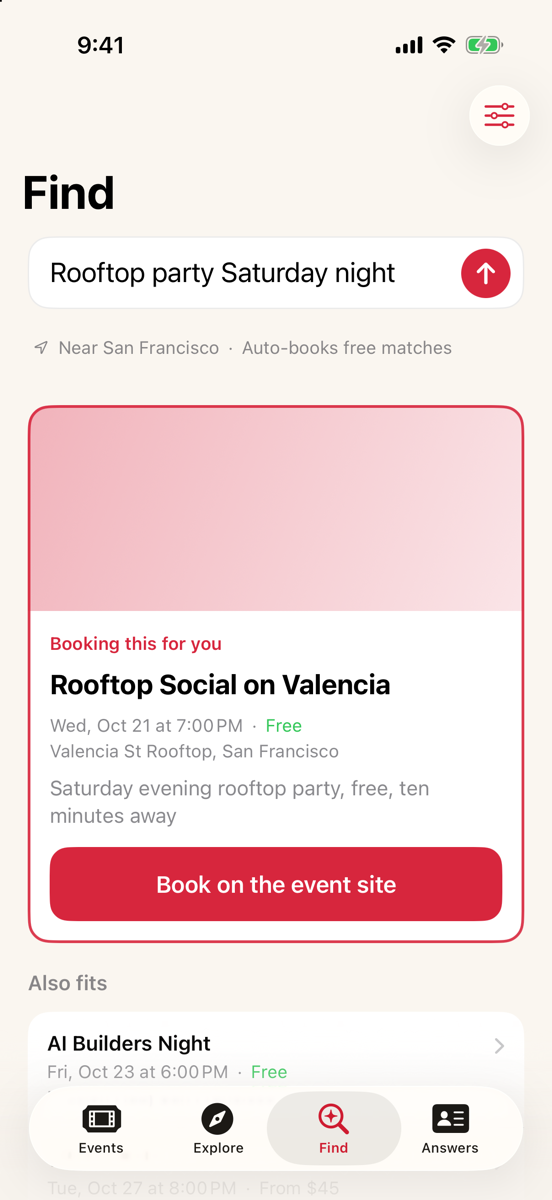
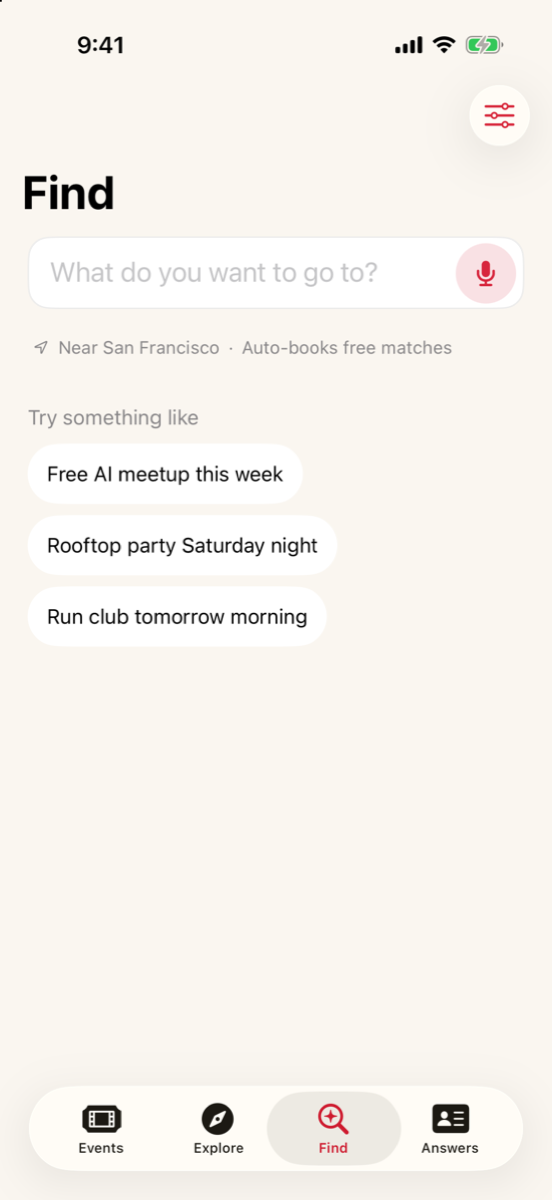
Find it by just saying it.
Type or say what you're in the mood for. Doorlist looks across the web, opens every page to check the date and price, and puts the best fit first.
- Searches where you are. Only your town is used.
- Skips anything that clashes with your calendar, if you want.
- Asks one quick question when a request is too vague.
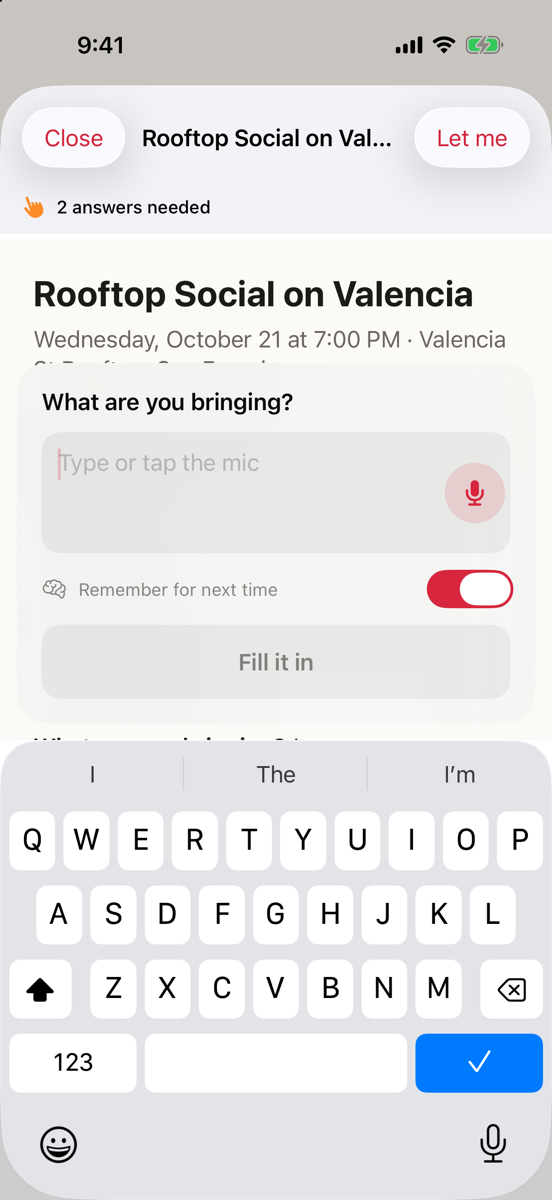
Asked once. Remembered.
“What's your role?” and “Job title” are the same question. You answer it once, by typing or by voice.
- Away from the app? A notification asks, and you reply right there.
- Paid tickets always wait for you. Doorlist never pays for anything.
Everything on near you, in one place.
Explore gathers events from Luma, Partiful, Eventbrite, Meetup, Cerebral Valley, Devpost and more, then removes the duplicates. Pick a city and a topic, tap a card, and you're booking.
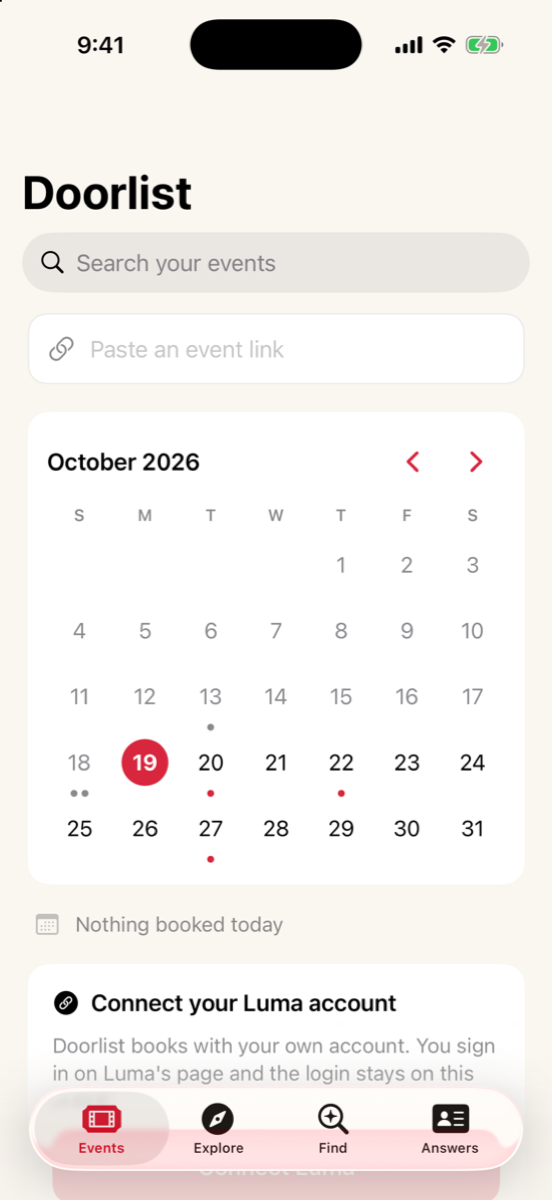
Your month at a glance.
Everything you're going to, on a calendar. Today is already picked; tap any day to see what's on.
- In, requested or waitlisted, for every event.
- Sign in with Apple and it all follows you to a new phone.
What Doorlist keeps, and what it doesn't.
The short version. The privacy policy has every detail.
Questions.
Does Doorlist buy tickets?
No. It books free events and free tiers by itself. For anything with a price it stops and shows you the page so you can decide.
Do I need accounts on every site?
For Luma you sign in once inside Doorlist. Partiful, Eventbrite, Cerebral Valley and others ask you to sign in the first time you book on them, on their own pages, and remember you after that.
Is Doorlist part of Luma, Partiful or Eventbrite?
No. Doorlist is independent and books with your own accounts, the same way you would by hand.
What if an event asks something new?
Doorlist asks you once, by text or voice, and remembers the answer. If you're not in the app, you get a notification.